
Unlock Hidden iOS Features — No Jailbreak Needed
Nugget iOS is a free and open-source tool designed to unlock advanced customization on iOS. Apply tweaks instantly, explore new features, and enhance your experience without complicated steps.
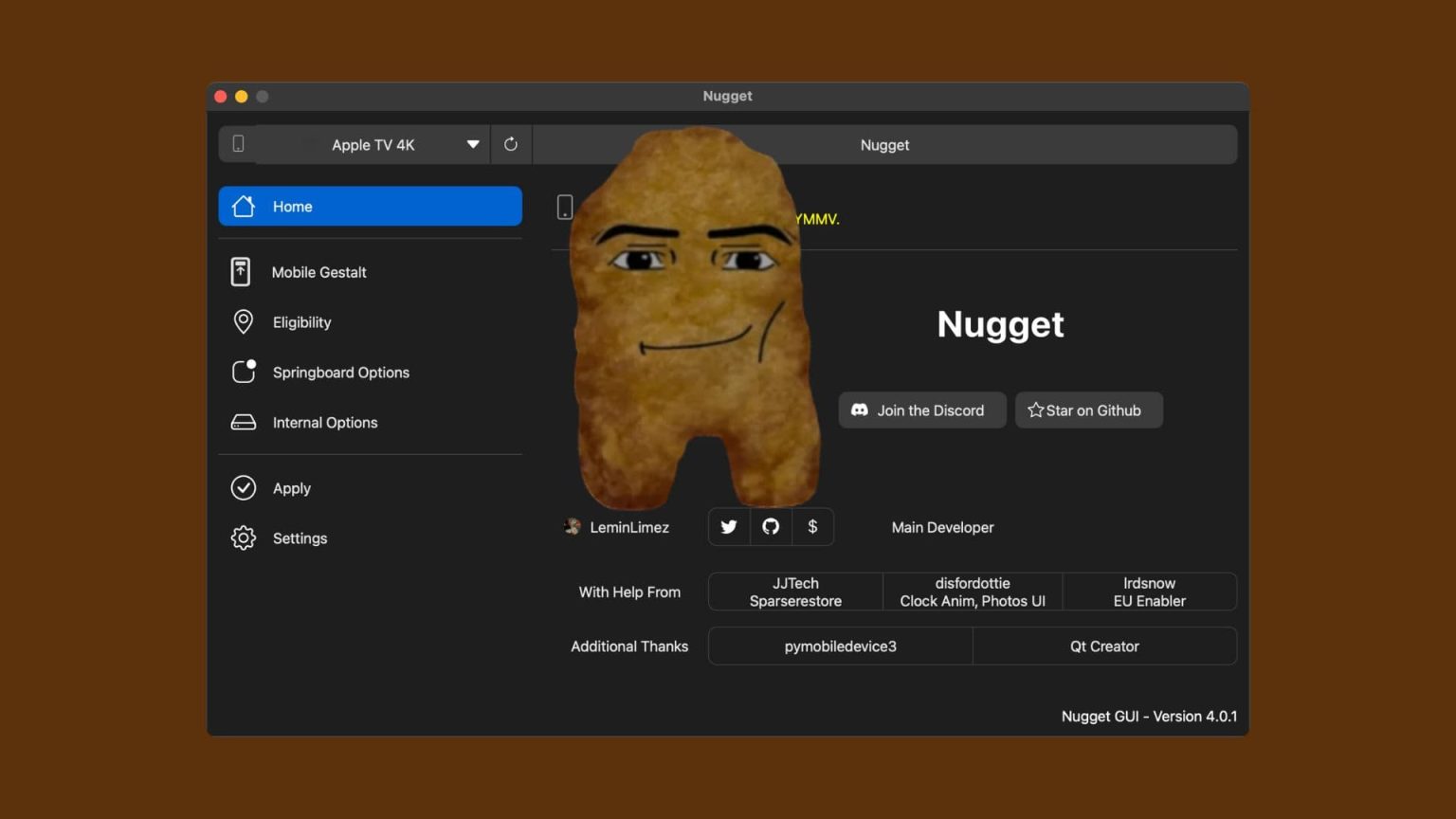
Speed Up Your Workflow
Use Timeline to plan projects right the first time. See how the pieces you can spot
gapsand overlaps before you start.
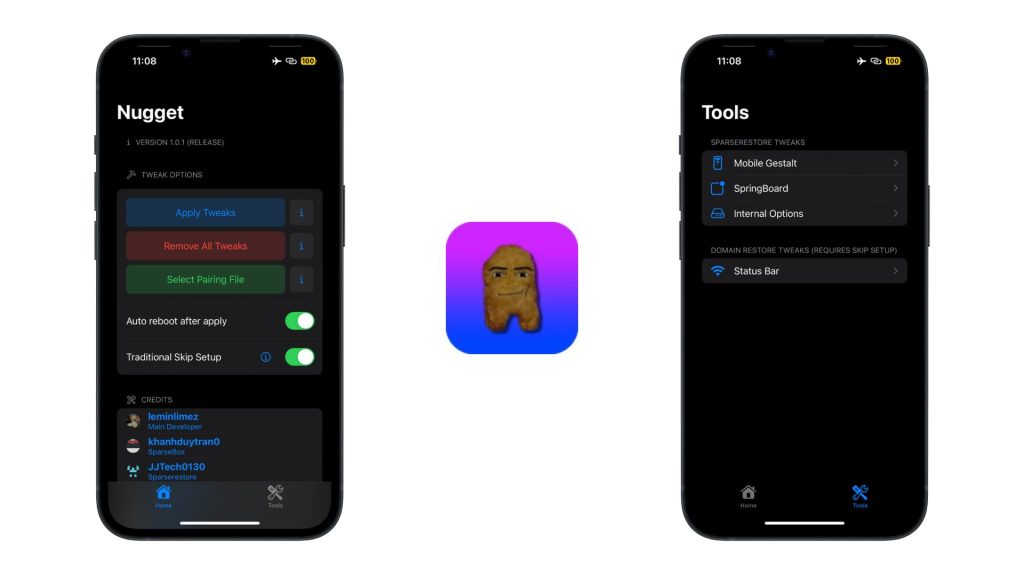
Speed Up Your Workflow
Unlock hidden iOS features and customize your device faster than ever with a simple, powerful tool. Nugget iOS helps you apply tweaks, manage settings, and enhance your experience without complicated steps or jailbreaks.
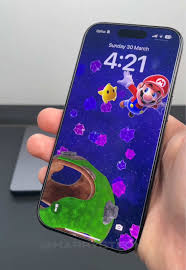
Free & Open Source Software
Nugget iOS is completely free and open source, giving users full transparency and control. Explore, modify, and use features without restrictions while benefiting from continuous community improvements.

Easy Customization Tools
Quickly access a variety of built-in tools to modify system settings, animations, and interface elements. Everything is designed to be user-friendly, making customization simple for everyone.
Your Base for Powerful iOS Customization
Take control of your iPhone like never before with Nugget iOS. Designed for simplicity and flexibility, it gives you access to advanced customization tools while keeping your device safe and stable—no jailbreak required.

40+ Customizable Features
Explore a wide range of hidden settings and tweaks, from UI changes to system-level options, all in one place. Customize your device exactly the way you want with ease.
Free & Open Source Software
Nugget iOS is completely free and open source, offering full transparency and continuous improvements from the community. Use it confidently with no limitations or hidden costs.
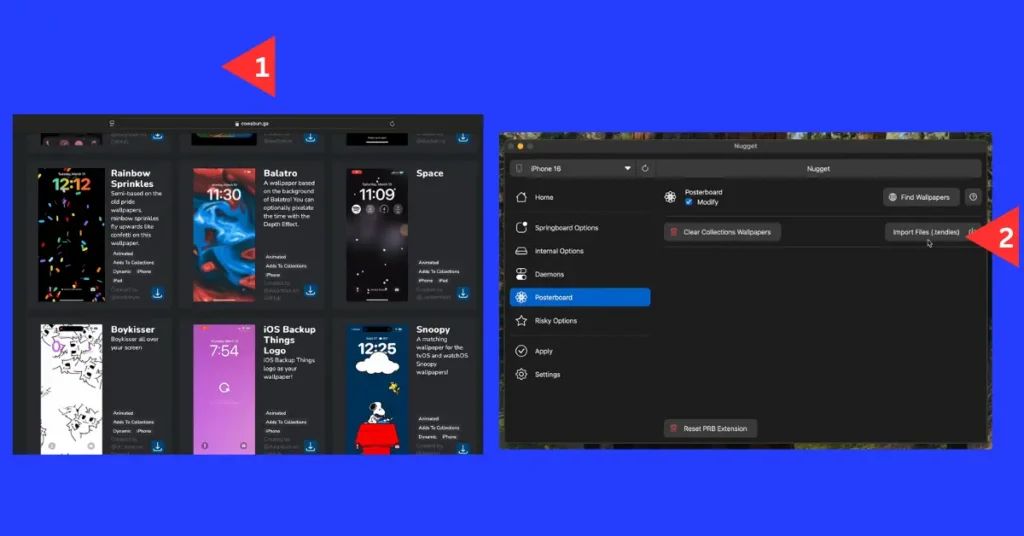
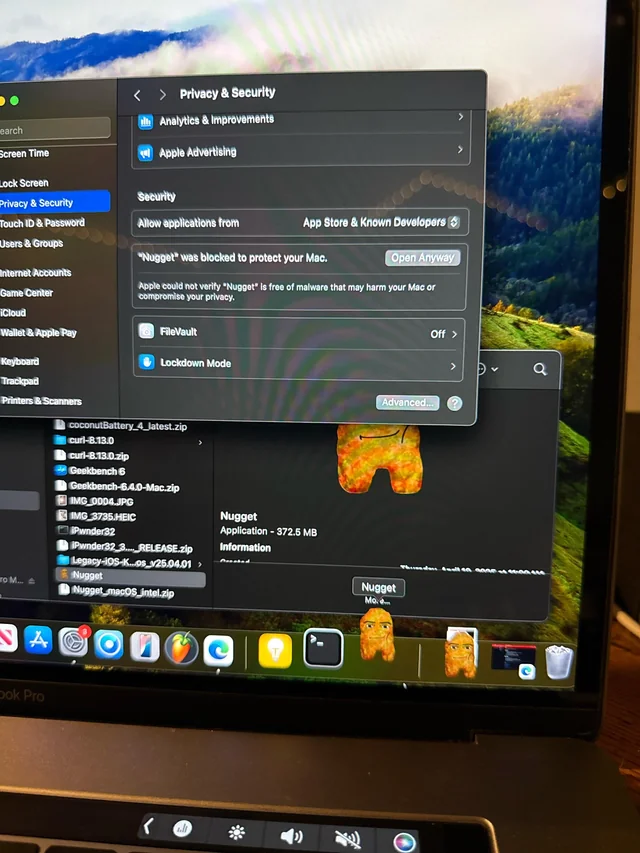

Your Base For Advanced iOS Customization
Nugget iOS provides a reliable foundation for unlocking hidden features and enhancing your device experience. Built with safety and simplicity in mind, it allows you to customize your iPhone without compromising performance or security.

Protect Your Data And Privacy
Nugget works within safe system limits, ensuring your personal data remains secure while applying customizations. No risky modifications or permanent system changes are required.

Free And Open Source Software
Fully transparent and community-driven, Nugget iOS is free to use and constantly improving. You can explore, modify, and trust the tool without any hidden restrictions.
Set Up in Minutes, Not Hours
Nugget iOS is designed to be fast, simple, and hassle-free. In just a few steps, you can unlock powerful customization features and transform your iPhone experience—no jailbreak, no complexity.
01
Install Nugget
Download and open Nugget on your device. The process is straightforward and takes only a few minutes to get everything ready.
Choose Your Tweaks
Browse through available features and select what you want to enable. From UI changes to hidden settings, everything is just a click away.
02
03
Apply & Enjoy
Apply your changes instantly and enjoy a fully customized iOS experience with smooth performance and full control.
Our Software Features
Nugget iOS is built to give you powerful customization with simplicity and speed. Explore features designed to enhance your iPhone experience while keeping everything smooth, safe, and easy to use.

Easy to Manage
Control all your tweaks and settings from one simple interface. No confusion, no complexity—everything is organized for a seamless experience.

High Performance
Enjoy fast and responsive performance while applying customizations. Nugget ensures your device stays smooth without unnecessary slowdowns.

Quick Import & Apply
Easily import tweaks, configurations, and features with just a few clicks. Apply changes instantly without complicated steps.

Free & Open Source
Completely transparent and community-driven. Nugget iOS is free to use, regularly updated, and built with trust in mind.
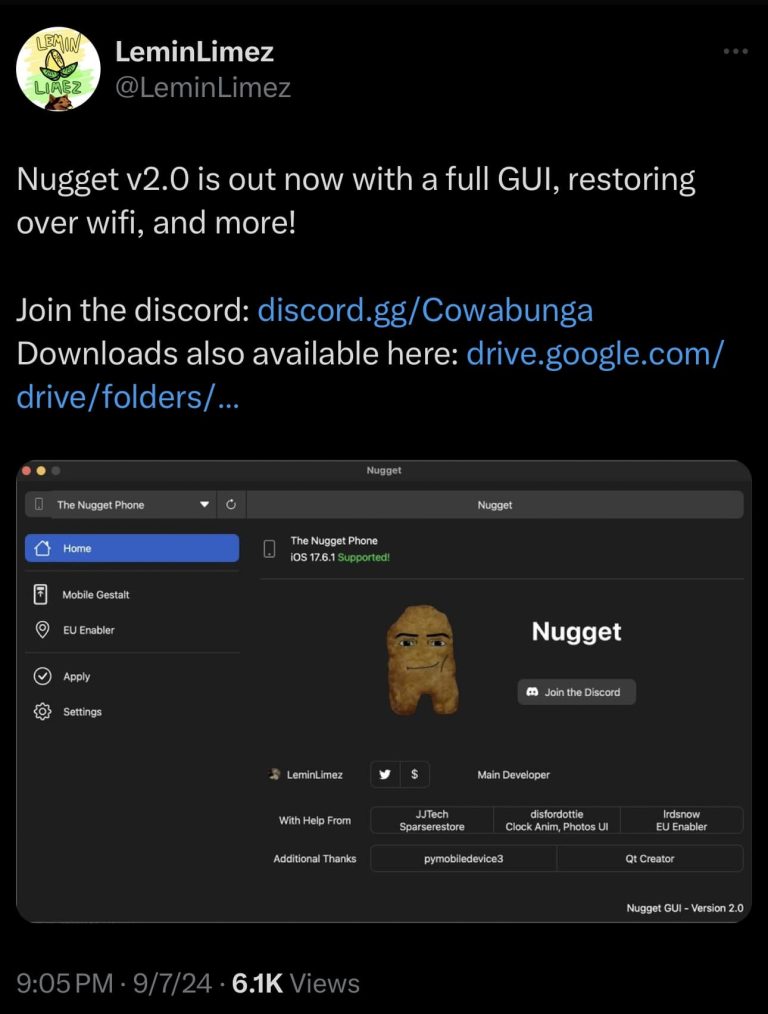
Your Base for Powerful iOS Customization
Nugget iOS gives you the freedom to unlock hidden features and customize your iPhone with ease. Built for simplicity and performance, it helps you take full control of your device without compromising security or stability.
Protect Your Data & Privacy
Nugget works safely within system limits, ensuring your personal data stays secure. No risky modifications, no permanent changes—just smart customization.
Free & Open Source Software
Completely transparent and community-driven, Nugget iOS is free to use and continuously improving. Enjoy full control with no hidden restrictions.
Top 3 Reasons to Choose Nugget iOS
Safe & Reliable Customization
Simple & User-Friendly Interface
Continuous Updates & Community Support
Frequently Asked Questions
Find answers to the most common questions about Nugget iOS. From setup to customization, everything you need to know is right here.
Nugget iOS is a tool designed for iPhone and iPad users that allows advanced customization and tweaks on iOS devices. It is mainly used to modify certain system behaviors and enable features that are not normally available on standard iOS settings.
It is commonly used by users who want more control over their device experience without relying on jailbreaking in some cases.
Key points:
- iOS customization and tweak tool
- Works on iPhone and iPad devices
- Helps enable hidden or advanced features
- Designed for system-level customization
- Alternative to full jailbreak in some setups
Yes, Nugget iOS is generally considered safe if you download it from a trusted, official source, but it is still a third-party tool, so safety cannot be guaranteed like with official Apple apps.
Since it modifies or enables advanced iOS features, it may require special permissions or system-level access, so users should be careful during installation.
- Safe only when downloaded from official/trusted sources
- Not an Apple official tool
- May require advanced system permissions
- Risk increases with modified or unofficial versions.
- Always avoid unknown or cracked downloads.
Safe Download Now: https://nuggetios.net/downloads/
No, you usually do not need to jailbreak your iPhone to use Nugget iOS.
It is designed to provide certain customization and tweak features without requiring a full jailbreak, making it easier and safer for most users. However, some advanced features may still require extra permissions or system-level access, depending on the version you are using.
Nugget iOS supports a wide range of iPhones and iPads, primarily those running newer iOS versions, such as iOS 17 and later. It is designed to work on modern Apple devices that can handle system customization features.
Supported iPhones:
- iPhone 8 and later
- iPhone X, XR, XS, XS Max
- iPhone 11, 11 Pro, 11 Pro Max
- iPhone 12 series
- iPhone 13 series
- iPhone 14 series
- iPhone 15 series
- iPhone 16 series (latest models)
Supported iPads:
- iPad (6th generation and later)
- iPad Air (3rd gen and newer)
- iPad Pro (all modern M-series models)
- iPad Mini (5th gen and newer)
System requirement:
- iOS / iPadOS 17 or later is required for most features
- Some advanced tweaks may only work on specific iOS versions.
Yes, you can revert or undo the changes made by the Nugget iOS app.
Most tweaks and customizations applied through the tool are not permanent, so you can restore your device to its original iOS settings if needed.
Yes, Nugget iOS is completely free to use.
It is an open-source iOS customization tool, so users can download and use it without any subscription or payment. According to its official documentation, it is free and maintained as an open-source project that allows iPhone and iPad customization without jailbreaking.
In most cases, the Nugget iOS update does not significantly affect your iPhone's performance. It is designed as a lightweight customization tool, so normal usage like browsing or app performance usually remains the same.
However, depending on the features you enable, there may be minor effects such as slightly increased background activity or occasional lag on older devices.
Nugget iOS can be installed on your Windows or Mac computer and then used to customize your iPhone or iPad. The setup process is simple and does not usually require jailbreaking.
Installation steps:
- Download Nugget iOS from the official website.
- Install the required dependencies (if mentioned in the setup guide)
- Connect your iPhone or iPad to your computer via USB cable.
- Trust the computer on your iOS device.
- Open Nugget iOS on your PC/Mac
- Follow the on-screen instructions to apply tweaks or customization.
Install Nugget IOS: https://nuggetios.net/downloads/
No, Nugget iOS usually does not void your iPhone warranty, because it does not require jailbreaking in most cases and does not permanently modify core system files.
However, Apple may still deny support if they find that third-party tools caused software issues, especially if the device becomes unstable due to modifications.
Key points:
- No jailbreak required in most cases
- Does not permanently change system files
- Warranty is generally not affected directly.
- Apple support may refuse to help if the issue is caused by third-party tools.
Yes, Nugget iOS is updated regularly to improve performance, fix bugs, and maintain compatibility with the latest iOS versions.
Updates are especially important because Apple frequently releases new iOS updates, and tools like Nugget iOS need to stay compatible to continue working smoothly.
Our Latest Insights
Stay updated with the latest tips, guides, and updates about Nugget iOS. Discover new ways to customize your device, explore hidden features, and get the most out of your iPhone experience.